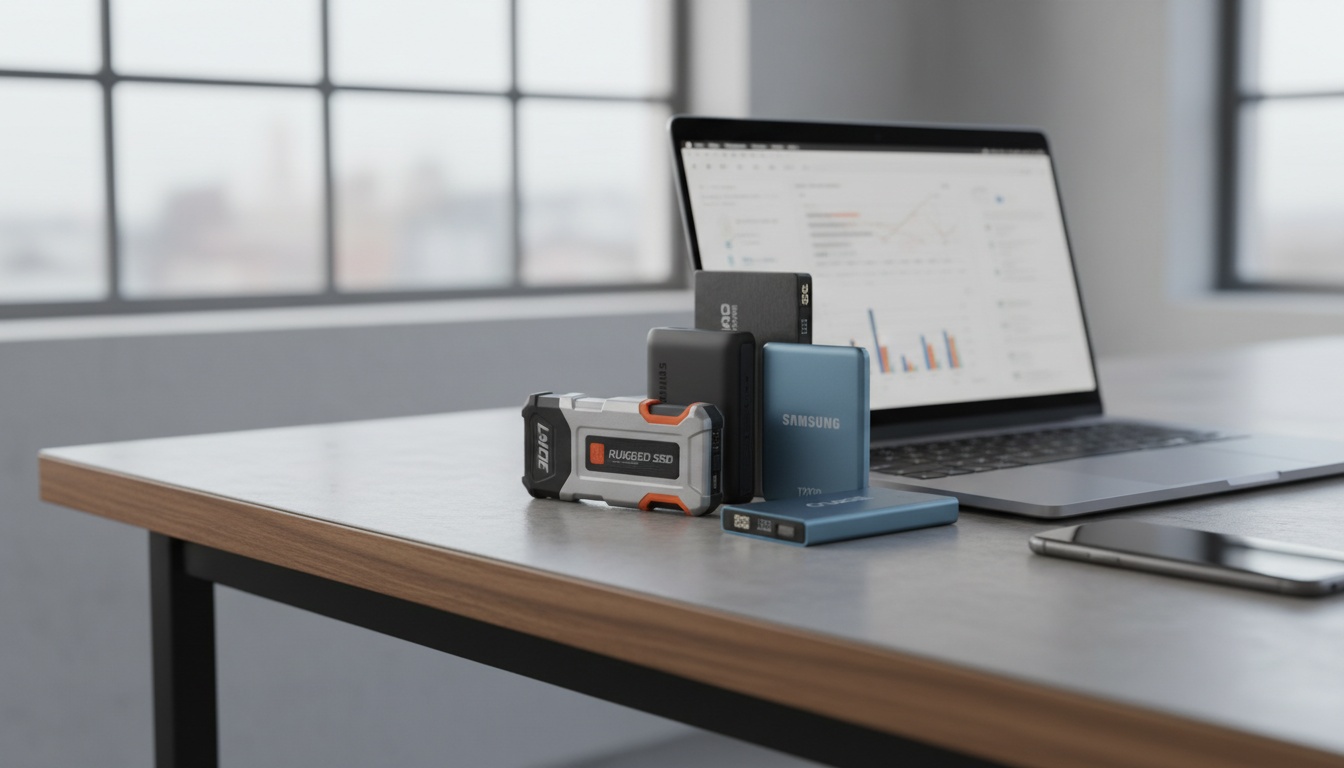
Let’s be honest—most people don’t spend Saturday nights researching data storage. But if you’re reading this, you probably know how frustrating it is to run out of space during a big project, or lose files because of a slow, unreliable drive. The best portable SSD drives are like secret superheroes for anyone who values their photos, documents, or creative work. And these days, with laptops and tablets getting thinner (and ports disappearing like socks in the dryer!), picking a solid portable SSD is more important than ever.
I’m a bit of a tech nerd, but my goal here is to keep things clear and human. We’ll dive into what really matters with SSD drives in 2024, compare real-world examples, and break down what separates a good portable SSD from a “wow, that was a bad purchase.” Even if tech isn’t your thing, by the end, you’ll know exactly what to look for—and what to skip.
Why Are Portable SSDs Suddenly So Popular?
Just a few years ago, “external hard drive” meant clunky, slow, and fragile. Then came the SSD revolution—Solid State Drives with no moving parts, lightning speeds, and pocket-sized designs. Boom. The world changed. In fact, according to recent market data, over 65% of external storage sales in 2023 were SSDs instead of old-school spinning hard drives. And with prices dropping by about 20% each year, they’re catching on with students, photographers, gamers, and everyday folks alike.
But why the shift? Here’s what I’ve noticed, both personally and from countless chats with friends (and that one cousin who always loses his files):
- Speed: Modern SSDs transfer files 4–10x faster than traditional hard drives. That’s not marketing hype—it’s the difference between waiting 30 minutes or 3 minutes for the same backup.
- Durability: Since there are no moving parts inside, SSDs survive drops, bumps, and backpacks way better than old drives.
- Size & Portability: Some are literally smaller than a pack of gum. It makes me wonder how they cram so much storage into something that tiny.
So, what actually makes a portable SSD the “best” for you? Let’s untangle the marketing and get practical.
Speed Isn’t Everything—Or Is It?
Manufacturers love to brag about speed. “Read speeds up to 1050 MB/s!” they’ll shout from the box. But here’s something a lot of people miss: The real speed you get depends on your computer’s USB port (or Thunderbolt, if you’re fancy). And, not all files are created equal—moving a single huge movie is way faster than a folder full of thousands of tiny photos.
Let’s break down the numbers:
- Entry-level SSDs: Around 400–550 MB/s. Fast enough for backups, school projects, and most games.
- Mid-range SSDs: 800–1050 MB/s. Ideal for content creators, photo/video editing, or anyone moving lots of big files.
- Pro-grade SSDs (Thunderbolt): 2000+ MB/s. Serious muscle, but honestly overkill for most of us unless you’re editing 4K video for a living.
Mini-case study: My friend Jamie, a wedding photographer, jumped from a 500 GB USB hard drive (that took 2 hours to backup a wedding) to a Samsung T7 portable SSD. Now she’s done in 20 minutes and less stressed about missing deadlines. It’s not just numbers—it’s real-life sanity!
Durability and Security: How Tough Is Your SSD?
I once dropped an old hard drive off a counter and watched, in slow motion, as it hit the floor…and died. SSDs do better. But, there’s still a range:
- Basic SSDs: Survive most drops, but aren’t waterproof or crushproof.
- Rugged models: Some, like the SanDisk Extreme Portable, are water/dust resistant (IP55 or higher), and handle rougher conditions.
- Security features: Many of the best portable SSD drives offer built-in password protection or AES 256-bit encryption. If privacy matters—or if you’re forgetful—this is huge.
Here’s the kicker: A study by Backblaze found SSDs fail less than 1% per year, compared to 2–4% for hard drives. The numbers aren’t huge, but they matter if you’re the unlucky 1 in 100.
Real-World Showdown: Leading Portable SSDs in 2024
It’s easy to get lost in model names—T7, Extreme V2, X6, Envoy Pro, blah blah blah. Let’s compare the best portable SSD drives on the market, with a “what actually matters” lens.
| Model | Speed (max read) | Sizes | Durability | Best For |
|---|---|---|---|---|
| Samsung T7/T7 Shield | 1050 MB/s | 500GB–4TB | Shield model is rugged (IP65) | All-purpose, students, creators |
| SanDisk Extreme Portable V2 | 1050 MB/s | 500GB–4TB | IP55 Water/Dust, drop-resistant | Travel, outdoor use, photographers |
| Crucial X8 | 1050 MB/s | 1TB–4TB | Aluminum core, basic ruggedness | Gaming, home office |
| WD My Passport SSD | 1050 MB/s | 500GB–4TB | Slim, shock-resistant | Everyday, students |
| LaCie Rugged SSD Pro | 2800 MB/s (Thunderbolt) | 1TB–2TB | IP67, crush and drop proof | Professionals, filmmakers |
I’ve personally used a T7 Shield for the last year, and tossed it in backpacks, subjected it to questionable hotel Wi-Fi, and let my nephew “borrow” it for his Xbox. Still going strong. Your pick depends on what you care about most—speed, toughness, or price.
The Little Details That Make a Big Difference
Here’s something people often overlook: cables and compatibility. It seems boring, but it can ruin your day. For example, if you have a MacBook with only USB-C ports, but your SSD comes with a USB-A cable, you’ll need an adapter—or you’ll be staring at your drive, unable to connect. True story: I once had a furious college student email me after buying the “right” SSD, only to realize their ancient laptop didn’t support the newer USB 3.2 speeds.
Quick checklist before you buy:
- Port compatibility: USB-C is fastest, but check your laptop/tablet/console ports.
- Encryption: Some drives require special software for password protection—make sure it works with your system.
- Warranty: Most reputable brands offer 3–5 years. That’s worth a lot if something goes wrong.
Price vs. Performance: Where’s the Sweet Spot?
Let’s talk real money. As of spring 2024, here’s what you might pay for the best portable SSD drives:
- 500GB: $50–$75 (great for backups, students, casual users)
- 1TB: $75–$120 (sweet spot for most people)
- 2TB: $130–$200 (photographers, gamers, video editors)
- 4TB: $300+ (serious pros, media hoarders)
Prices fluctuate with sales and chip shortages (thanks, supply chain!). But generally, I advise friends: buy a bit more storage than you think you need. You rarely hear someone say, “I wish I had less space.”
For families, I’ve seen a growing trend—one SSD becomes the household “vault” for old photos, school projects, or even movies. It’s way safer than depending on a single laptop that could crash or get stolen.
Who Needs What? Some Quick-Draw Scenarios
- Students: A 500GB–1TB mainstream SSD (like the WD My Passport SSD) covers projects, music, and even movies. Skip the rugged models unless you’re especially clumsy.
- Photographers: Go for at least 1TB, ruggedized if you shoot outdoors. The SanDisk Extreme is a popular favorite.
- Gamers: A Crucial X8 or Samsung T7 works well for expanding console storage—just check what your PlayStation, Xbox, or Switch supports.
- Travelers: Durability is your friend. The LaCie Rugged or T7 Shield can handle airport chaos.
Common Myths About Portable SSD Drives (And What’s Actually True)
- “More expensive always means better.” Not really. Once you hit that 1000 MB/s speed, you’ll notice minimal difference unless you’re doing high-end video.
- “All SSDs are waterproof.” Nope. Only those with specific IP ratings (like IP55 or IP67) will survive splashes or rain.
- “SSDs last forever.” I wish! While they’re more durable than hard drives, SSDs still wear out over time, especially if you’re constantly writing huge files. Back up the backups, if something’s priceless.
Quick Tips for Making Your SSD Last (and Save Your Sanity)
- Keep it cool: SSDs hate heat. Don’t leave them in cars or cooking under laptops.
- Safely eject: Unplugging mid-transfer can corrupt files. Always “eject” before yanking the cable.
- Label your cables: Trust me. USB-C and Thunderbolt cables look identical, but not all are speedy enough. A dab of nail polish does wonders.
FAQ: Answers to the Stuff People Actually Ask
How long do portable SSDs really last?
Great question! Most good SSDs will last 5–10 years with normal use—often longer for casual backup. Honestly, you’ll probably outgrow the space before the drive wears out. Just don’t use them for constant, heavy-duty recording (like surveillance cameras), and always back up anything irreplaceable.
Can I use the same SSD on Mac and Windows?
Yes, but with a catch! The drive has to be formatted in a way both systems understand—usually exFAT. The good news: formatting is easy and most modern SSDs are ready for both out of the box. Still, double-check and copy off your files if you reformat.
Are portable SSDs safe for travel?
Absolutely, especially the rugged models. I’ve tossed mine through security scanners, backpacks, and even a rainstorm in Prague (don’t ask). Just use a case to avoid scratches, and maybe don’t check it in a suitcase with your socks.
Do SSDs slow down as they fill up?
They can! Once an SSD is about 80-90% full, performance might drop a bit. Try to leave 10–20% empty for best speed. If you’re near max, it might be time to upgrade or offload old stuff.
Is there a “best” brand for portable SSD drives?
In my experience, brands like Samsung, SanDisk, Crucial, and WD are consistently reliable. There’s not a perfect brand, but sticking to big names means better support if things go sideways. Watch out for ultra-cheap, no-name SSDs—they sometimes cut corners on quality or security.
A Final Thought: What’s Actually “Best” Is What Fits You
I sometimes wonder if technology is supposed to make life simpler—or just more complicated. With portable SSDs, it really can be simpler: You get a tiny, tough, super-fast vault for your digital life. That’s pretty magical, when you think about it. But the best portable SSD drives aren’t about specs on a box—they’re about calming your nerves before a deadline, saving memories from disappearing, or making sure your creative work is always at your fingertips.
So, next time you’re standing in an electronics aisle, or scrolling through reviews, don’t let jargon or hype trip you up. Ask: What do I need? How rough will I be with it? And—crucially—how much space will future-me wish I had? If you start there, your “best” choice is a whole lot easier. Trust me, your files (and your future self) will thank you.