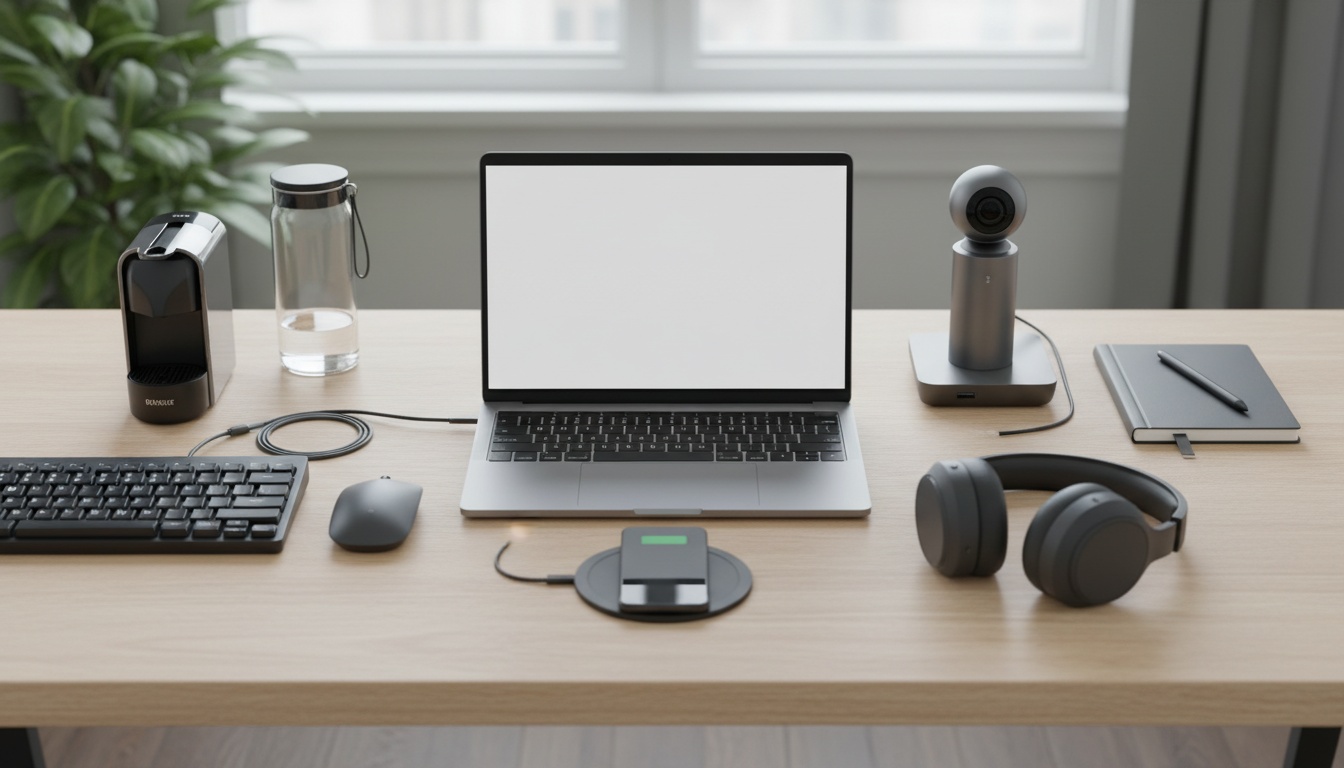
I’ll be honest—when people used to talk about “remote work,” I pictured freelancers in coffee shops, not millions of us in pajama pants on daily Zoom calls. But here we are. If you’re like most folks, you’ve probably realized by now: great gadgets don’t just make remote work possible—they actually make it better. The trick is knowing which tools are worth it in the sea of shiny tech. That’s what we’re exploring today: the best gadgets for remote work, what they actually do for real people, and a bit of honest analysis, too.
Why the Right Gadgets Matter More Than You Think
Let me set the scene. You’re trying to focus, but your old laptop is wheezing, your Wi-Fi drops out every hour, and your neck feels like you wrestled a porcupine because your dining chair stinks for work. Sound familiar? Turns out, a 2023 Buffer survey found that over 40% of remote workers called “tech struggles” their top frustration. Not bad bosses or too many emails—just tech.
So, while “gadgets” might sound optional, they can turn remote work from a struggle into a strength. That’s not just marketing. Let’s break down how.
- Productivity: The right laptop or noise-canceling headphones can make you faster, more focused, and less stressed.
- Comfort: Ergonomic chairs and adjustable desks turn aches and pains into energy and creativity.
- Collaboration: A good webcam or mic doesn’t just make meetings bearable—it makes them effective.
- Work-Life Balance: Smart lighting or white noise machines help you “leave work” even when your desk is five feet from your bed.
Let’s take a closer look at these gadgets, with a mix of data, stories, and a few cautionary tales (because not every gadget is magic, trust me).
Laptops & Tablets: The Remote Worker’s Main Engine
Do You Really Need a Fancy Laptop?
Sometimes I think people get a little obsessed with specs. “I need the fastest, most powerful laptop out there!” But if you’re not editing 4K video or running huge simulations, most mid-range laptops from the past couple of years will feel like a rocket compared to older models. According to Statista, about 75% of remote workers upgraded their primary device in the last three years. Not for fun—because it saves them on average 20 minutes a day in lag and glitches. That’s over 80 hours a year. Almost two full workweeks.
So, what should you look for?
- RAM: 8GB is usually fine, but 16GB is noticeably smoother for multitasking.
- SSD: Always pick solid-state drives (SSDs) over old-school hard drives. It’s night and day on boot times.
- Battery: If you work away from outlets (like cafés or the backyard), battery life matters more than speed.
- Weight: Lighter laptops or a tablet/keyboard combo (like the iPad Pro or Microsoft Surface) = more flexibility.
Mini-Case: The Surprising Power of a Tablet
My friend Maya runs a small consulting business. She swapped her old laptop for an iPad Pro with a smart keyboard, mostly for travel. Turns out, now she uses it for everything—email, video calls, note-taking, and even creative design work. She says the lower weight and instant-on speed help her stay “in the flow” more than her clunky laptop ever did. “It’s like my office is always with me, but it never feels like a burden,” she told me. Not for everyone, but for folks who don’t need heavy software, it’s a real option.
Wi-Fi and Connectivity: The Invisible Game-Changer
Is Your Router Holding You Back?
Here’s something people often miss: your home Wi-Fi might be the real bottleneck, not your computer. A 2022 Pew survey found that 1 in 3 remote workers have trouble with unstable connections at least once a week. That’s a shocker.
Upgrading to a mesh Wi-Fi system, like Google Nest or Eero, can blanket your whole house in fast, reliable internet—even if the router’s on one end and your workspace is on the other. If you’re in a crowded apartment with thick walls, a mesh network can be a life-changer.
Ethernet: The Unsexy, Unbeatable Option
I’ll admit, plugging in a cable feels old-school, but when I need totally stable Zoom calls, nothing beats a wired Ethernet connection. For just $10-20, you can run a flat cable under rugs or along baseboards. Zero lag, zero drops. It’s not glamorous, but it works.
Noise-Canceling Headphones: Your Portal to Focus
Silence in a Noisy World
I once found myself working beside a construction crew for two weeks. The only thing that saved my sanity was a decent pair of noise-canceling headphones (I use Sony’s WH-1000XM4, but Bose and Apple make great ones too). In a recent Blind survey, 62% of remote workers said headphones were their single most-used device other than their computer. Not just for music—many use them for white noise, podcasts, or just pure silence.
- Pros: Blocks distractions, boosts focus, improves call quality.
- Cons: Some folks get “headphone fatigue” after hours of use. Over-ear types tend to be more comfortable than earbuds for long days.
If you have kids, pets, or live near traffic, these are a must. Pro tip: some people pair them with a white noise app to drown out even more distractions. It’s oddly soothing.
Webcams and Microphones: Upgrade Your Presence
Do Built-In Cameras Cut It?
Most laptops have built-in webcams, but let’s be honest: many look like you’re Skyping from a potato. If clear video matters (think interviews, client calls, or virtual teaching), an external HD webcam can boost your image and confidence. Logitech makes popular options under $100, and they’re plug-and-play.
As for microphones, built-in mics pick up every keyboard tap and dog bark. USB microphones like the Blue Yeti or Rode NT-USB make your voice sound warm and clear—almost like you’re in the room. On a team of 10, upgrading audio can cut “Can you repeat that?” moments by more than half, according to a small Zoom study I saw last year.
Ergonomic Chairs and Desks: Don’t Ignore Your Body
How Bad Is Your Chair?
Here’s my confession: I used to work from a wooden kitchen chair, and my back hated me. Turns out, chronic pain is one of the biggest hidden costs of remote work. The American Chiropractic Association reports a 30% spike in back and neck complaints since 2020—most from people working at home.
An ergonomic chair (think adjustable lumbar support, armrests, actual cushioning) isn’t cheap, but it might be the best investment you make. Brands like Herman Miller and Steelcase are famous, but even $150-200 models from Staples or IKEA are miles better than a dining chair.
As for desks, standing desks (even the affordable manual ones) let you move around and avoid the “slouch and stare” routine. Some folks swear by stacking books under their monitor as a cheap hack. The goal: screen at eye level, feet flat, elbows at 90 degrees. Your future self will thank you.
Lighting and Ambiance: The Unsung Heroes
Is Bad Lighting Draining You?
Ever notice how working next to a window just feels better? There’s science behind it: exposure to natural light improves mood, focus, and even sleep, according to Harvard Medical School. But what if your workspace is, well, a little dark and dreary?
- Desk Lamps: LED desk lamps with adjustable color temperature (like Philips Hue or BenQ) mimic daylight and reduce eye strain.
- Ring Lights: These aren’t just for influencers. A small ring light can make your Zoom presence look friendly and professional, even if your room is dim.
I like to change my lamp from cool white (for alertness) to warm yellow (for winding down). It’s a little thing, but it really helps create a “work mood” vs “home mood.”
White Noise and Focus Gadgets: Attention’s Secret Weapon
Ever get distracted by a dripping faucet or neighbors mowing the lawn? You’re not alone. Studies show that “environmental noise disruption” is a top reason for lost productivity at home. Enter white noise machines—simple devices that mask background sounds with gentle static, rainfall, or even ocean waves. The LectroFan is a favorite for its simplicity and quality.
Some people prefer fancier “focus cubes” or desktop timers (like the Pomodoro technique) to stay energized. It might feel like overkill, but for anyone who struggles with distractions, these gadgets add surprising value.
Mini-Gadget Roundup: The Unsung Helpers
- Multi-Port USB Hubs: Because laptops never have enough ports. Satechi and Anker make reliable options.
- External Monitors: Doubling your screen space can boost productivity by up to 40%, according to Dell’s research. Cheap ones start under $150.
- Webcam Covers: For the privacy-conscious (or the accident-prone), a simple slider gives peace of mind.
- Cable Management: Velcro ties, cable boxes, or even binder clips keep your workspace neat—and your sanity intact.
What the Data and Real-World Patterns Show
Here’s where the analyst in me gets curious. Across dozens of surveys, a pattern emerges: people who invest in even 2–3 quality gadgets report:
- Less stress (down by about 25%)
- Better focus (up by 30–40%)
- Fewer sick days and aches (notably in people with ergonomic setups)
But the key is balance. Too many gadgets becomes clutter; too few, and you struggle. There’s no “magic number”—it’s about finding what solves your real-life pain points.
Gadget Myths and Missteps (And What I’ve Learned the Hard Way)
- Myth: More gadgets = more productive.
Truth: Only the right ones help. My “smart mug” now collects dust, but my $10 phone stand is a daily hero. - Myth: Expensive gear always wins.
Truth: Sometimes budget options are 90% as good. Test before you splurge. - Myth: Gadgets replace good habits.
Truth: The fanciest chair won’t help if you don’t take breaks or stretch.
Quick Comparison: Starter Kit vs. Pro Setup
| Gadget Type | Starter Kit (Budget) | Pro Setup (Premium) |
|---|---|---|
| Laptop | Lenovo IdeaPad 3 ($400–$600) | MacBook Pro ($1200+) |
| Headphones | Anker Soundcore Q20 ($60) | Bose QC 45 ($300) |
| Chair | IKEA Markus ($200) | Herman Miller Aeron ($1500) |
| Webcam | Logitech C270 ($30) | Logitech Brio ($180) |
| Desk | Standing desk converter ($80) | Fully Jarvis sit-stand desk ($600+) |
Mix and match based on your budget and real needs—there’s no “one size fits all.”
FAQ: Gadgets, Comfort, and Remote Work Realities
What’s the one gadget I should get first for remote work?
If I had to pick, I’d say a comfortable, supportive chair. It’s not glamorous, but back pain will ruin your day faster than slow Wi-Fi or a bad webcam. Invest where you sit—all your other gadgets will work better if you’re not distracted by aches.
Do expensive noise-canceling headphones really make a difference?
For most people, yes—especially if you live with roommates, family, or near noise. They don’t just block sound, they also help signal “I’m working” to others. But if you’re in a quiet place already, a budget pair might do just fine!
Is it worth getting an external monitor for remote work?
Absolutely, if you do anything that requires multitasking or comparing documents. Having two screens (or one big one) makes everything feel easier—no more endless window-switching. It’s one of those “I never knew I needed this until I tried it” upgrades.
How do I avoid gadget overload (and clutter)?
Start with your biggest pain point—what’s slowing you down or causing stress? Solve that first. Only add gadgets as you need them. And if something sits unused for weeks, pass it on or store it away. Simplicity keeps your workspace calm and focused.
What about gadgets for better work-life balance?
Smart lights that change color, white noise machines, or even a simple screen timer help signal the end of your workday. These don’t seem essential, but little rituals make it easier to “turn off” and recharge, even when your office and living room are the same space.
Some Final Thoughts: The Human Side of Remote Work Gadgets
I sometimes wonder if we focus too much on the gadgets and not enough on what they’re really for—making our lives a little easier, a little more comfortable, a little more human. The best gadgets for remote work aren’t the flashiest or most expensive; they’re the ones that remove friction from your day, help you stay connected, and maybe even make work feel (occasionally) fun.
If you’re setting up your own remote workspace, don’t stress about having the perfect gear right away. Start small. Upgrade when you notice a problem, not just because there’s a sale. And remember: the goal isn’t just to work—it’s to work well, wherever you are.